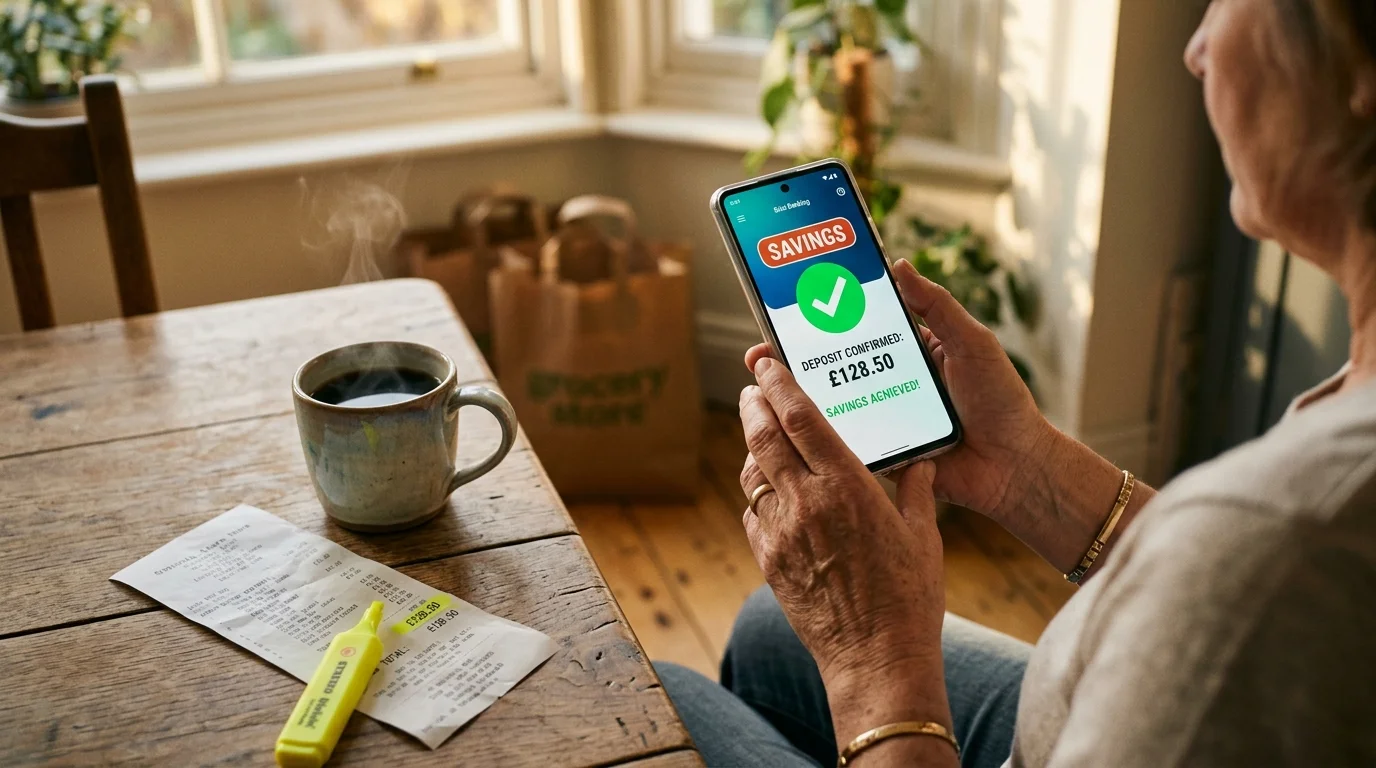
Retailers spend billions on psychological pricing tactics designed to manipulate your spending habits and keep your hard-earned cash in their pockets. You can instantly bypass these retail markups by turning your smartphone into an automated price-matching machine.
Recent consumer data reveals that 73% of U.S. shoppers compare prices across three or more stores before buying, ensuring they never pay full retail price.
By deploying top price comparison apps, you unlock real-time inventory tracking, historical price charts, and hidden promo codes before reaching the checkout counter. Stop leaving money on the table; these smart tools will guarantee you secure the lowest possible price on every purchase you make.
Tip #1: ShopSavvy for In-Store Barcode Scanning and Local Retail Comparisons
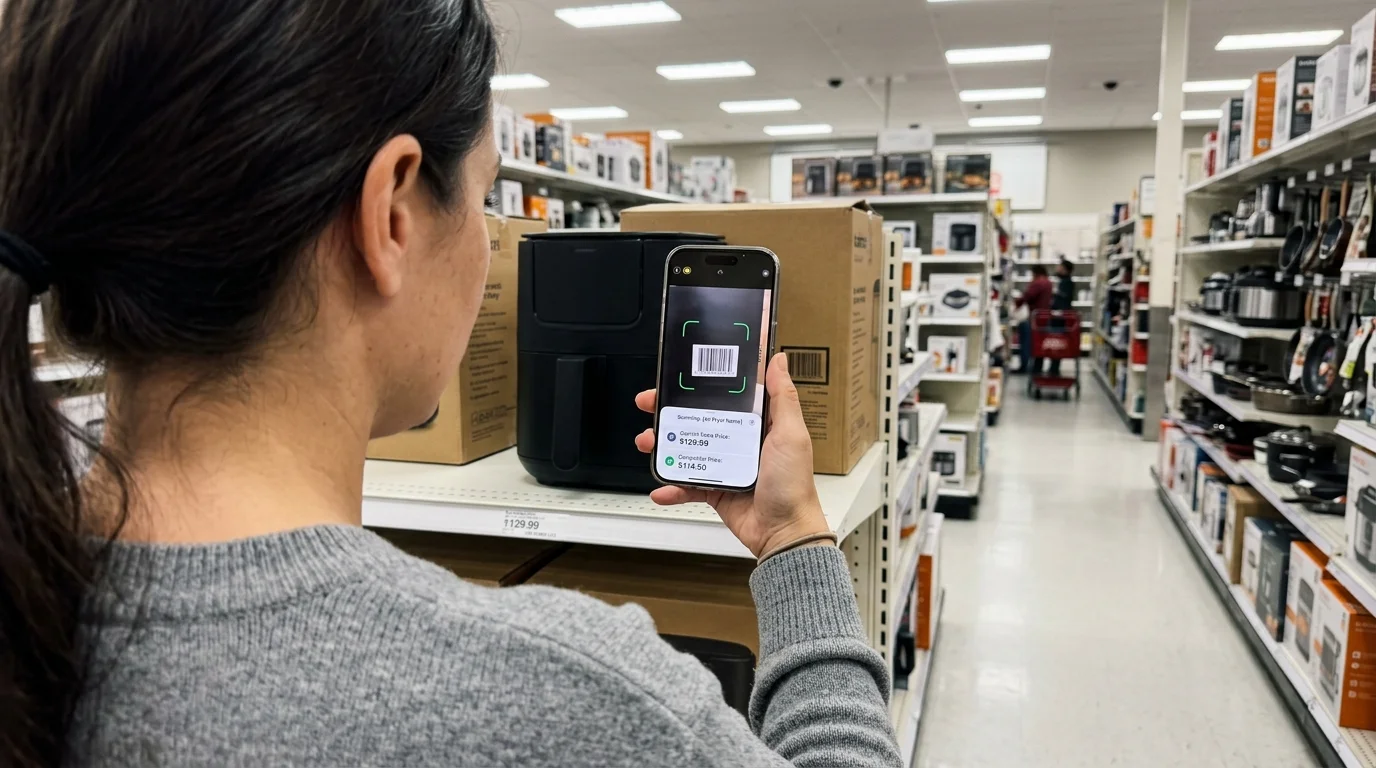
Physical retail store shelves are often structured to encourage impulse purchases by hiding competitive local pricing. ShopSavvy levels the playing field by turning your phone’s camera into a high-powered price-matching scanner.
Originally launched in 2008, ShopSavvy has grown into a dominant mobile shopping tool that processes over 50 million product scans every month across thousands of online and physical retailers.
When you scan a barcode while standing in a store aisle, ShopSavvy instantly searches both online giants like Amazon and neighboring physical stores to reveal live pricing.
Retailers like Target, Best Buy, and Walmart maintain official price-matching policies, but store cashiers will not offer lower prices voluntarily.
By presenting a live scan result from ShopSavvy directly to the cashier at checkout, you force store managers to match lower competitor prices on the spot, saving you cash immediately without forcing you to order online and wait for home delivery.
The app also monitors pricing trends over extended periods, helping you determine whether a current store sale is a genuine bargain or an artificial markup.
Setting up automated price-drop alerts inside the app guarantees you receive real-time notifications when targeted merchandise drops in price locally or online.
Furthermore, its built-in search filters allow you to check local inventory levels before driving to competing retail stores, saving both gas and valuable personal time.
Tip #2: PayPal Honey for Automated Coupon Codes and Real-Time Price Tracking
Hunting for valid promotional codes online used to mean sifting through expired coupon sites and broken referral links. PayPal Honey solves this problem by serving as an automated savings tool across more than 30,000 participating online storefronts.
Originally acquired by PayPal in 2020 for $4 billion, Honey tests and applies every available promo code directly into your digital shopping cart in seconds.
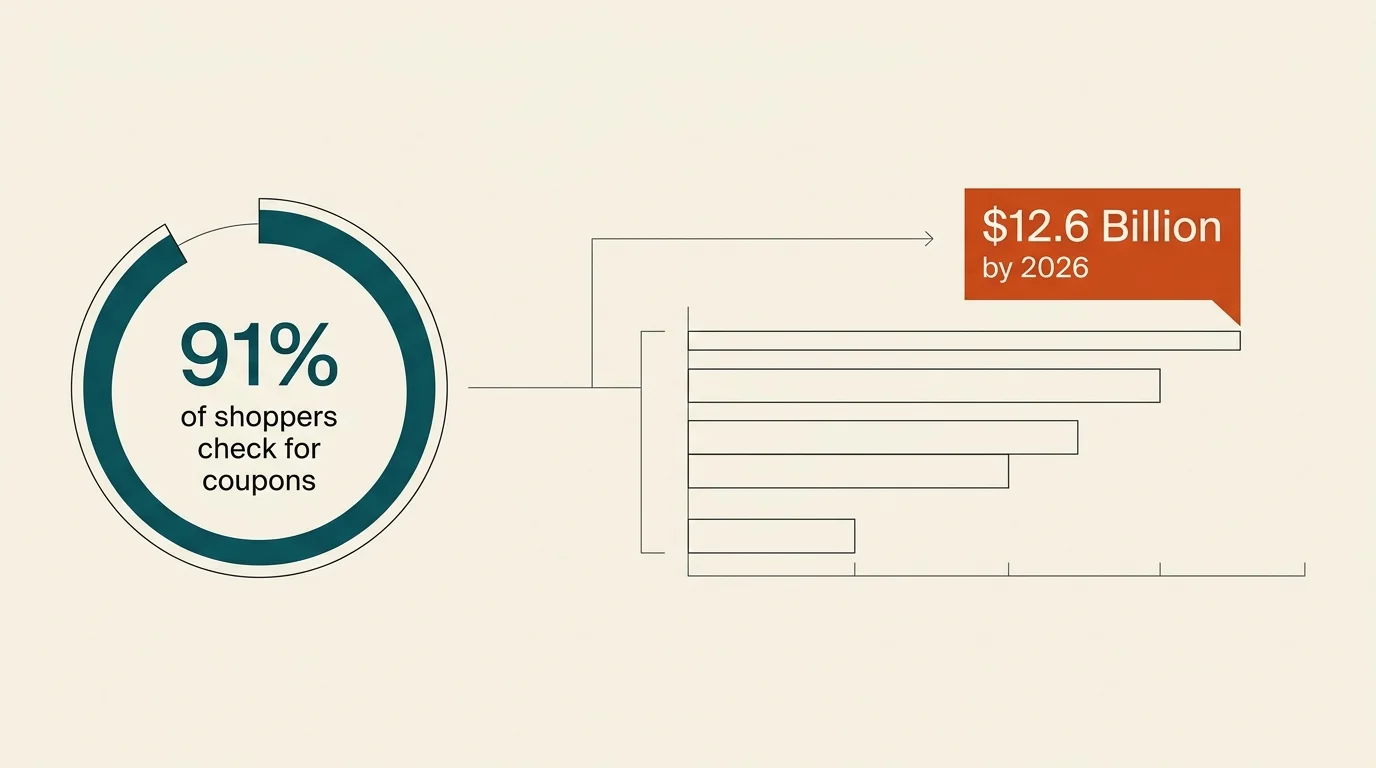
Consumer shopping habits underscore the necessity of automated coupon tools; 91% of American online shoppers check for discounts or coupons before purchasing, while 64% actively search for promo codes prior to checkout.
The digital coupon market reflects this immense demand, as an estimated 172.6 million American consumers redeemed digital coupons in 2025, driving total U.S. digital coupon revenue toward a projected $12.6 billion by 2026.
In September 2025, PayPal integrated Honey directly into AI shopping search queries, allowing you to compare real-time prices and coupon savings directly within AI-powered search tools.
Honey also features a robust historical pricing tool called Drop List. Adding items to your Drop List enables Honey to monitor seller pricing over several months, notifying you the moment a product drops below your desired target price.
This feature prevents you from falling for artificial markup tactics during promotional sales events, ensuring that every dollar you spend yields maximum purchasing power.

Tip #3: Camelcamelcamel for Exposing Amazon Dynamic Pricing Manipulation
Amazon uses dynamic pricing algorithms that alter product prices millions of times every day based on demand, user traffic, and competing stock levels. A product listed as a limited-time deal might actually cost significantly more today than it did two weeks ago.
Camelcamelcamel is a specialized, free Amazon price-tracking tool with over 1 million active users designed to pull back the curtain on these dynamic pricing tricks.
By pasting any Amazon product link into Camelcamelcamel or installing its browser extension, you gain immediate access to comprehensive price history charts spanning several years. You can instantly see the highest price an item ever reached, its lowest historic price, and its rolling average price.
Retailers frequently inflate list prices right before major promotional events like Prime Day to make temporary discounts seem deeper than they really are; Camelcamelcamel exposes these artificial markups instantly so you never overpay.
You can also create custom price-drop alerts by setting a specific dollar amount you are willing to pay for any item.
When Amazon sellers drop their price to meet your specified threshold, Camelcamelcamel sends an automated email notification, allowing you to buy at absolute historical lows without monitoring product pages manually.
It also tracks third-party seller prices alongside new Amazon inventory, unlocking hidden savings on certified open-box items.
Tip #4: Ibotta for Cash-Back Rebates and Everyday Grocery Savings
Grocery store expenses represent one of the largest recurring budget items for American households, making consistent rebate tracking essential for long-term savings. Ibotta operates as a cash-back rebate platform designed to reduce out-of-pocket costs on groceries, household essentials, and apparel.
Since its launch, Ibotta has awarded over $2.7 billion in cash-back rewards to consumers, including an impressive $155 million paid out in 2025 alone. By mid-2026, the network reached 20.9 million active redeemers nationwide.
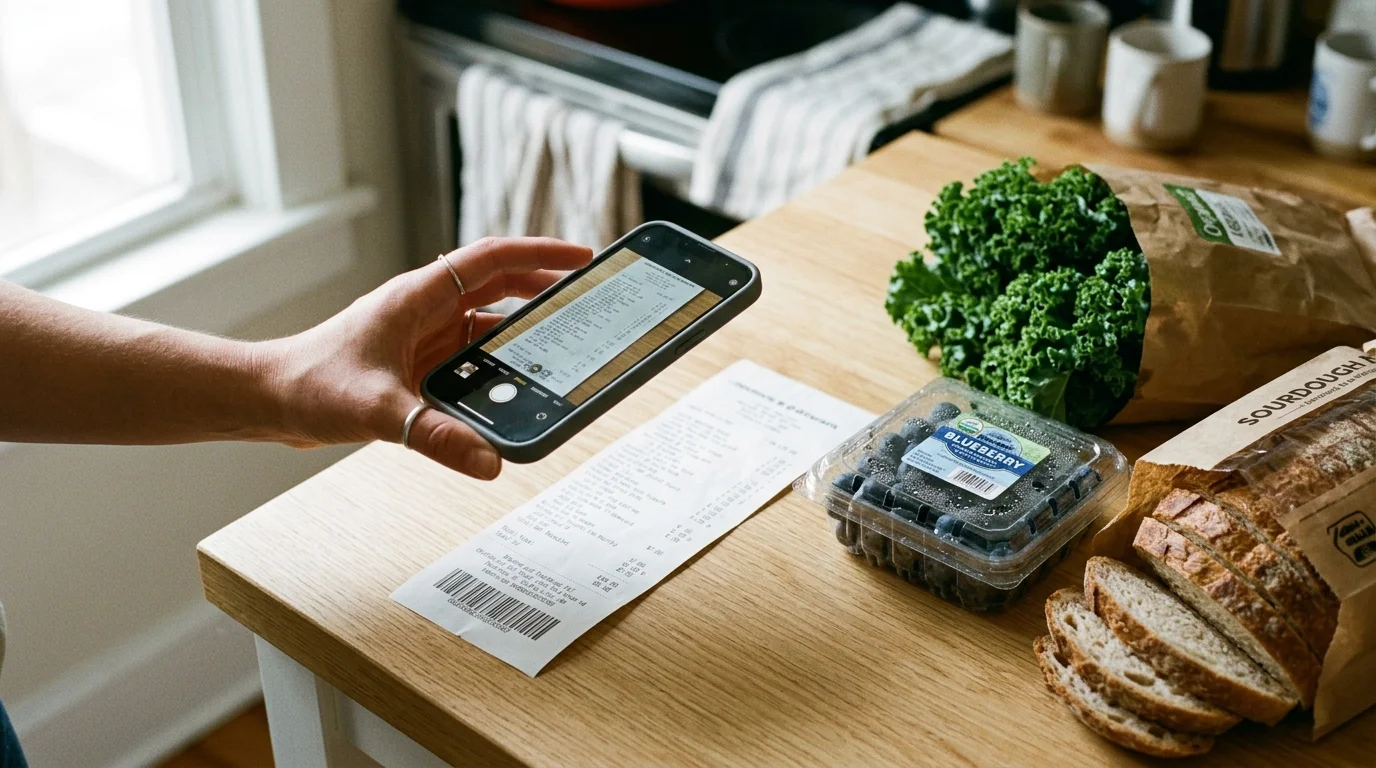
Using Ibotta is straightforward: browse current cash-back offers within the app before or after you shop, add selected brand-name or generic rebates to your account, and take a quick photo of your store receipt.
You can also link your supermarket loyalty cards directly to the app, automating rebate claims without scanning physical receipts.
Unlike store point programs that restrict how you use rewards, Ibotta pays real cash that you can transfer directly to your bank account or PayPal once you reach $20.
The secret to maximizing Ibotta lies in rebate stacking. Combining store circular sales with manufacturer coupons and submitting the final receipt to Ibotta allows you to stack three distinct savings mechanisms onto a single item, frequently yielding products for free or near-free prices.
Participating in team challenges and seasonal bonus streak promotions inside the app accelerates your cash earnings even further.
Tip #5: Capital One Shopping for Universal Cart Comparisons and Rewards
A lower sticker price does not always guarantee the cheapest purchase once you factor in shipping costs, handling fees, and regional sales tax.
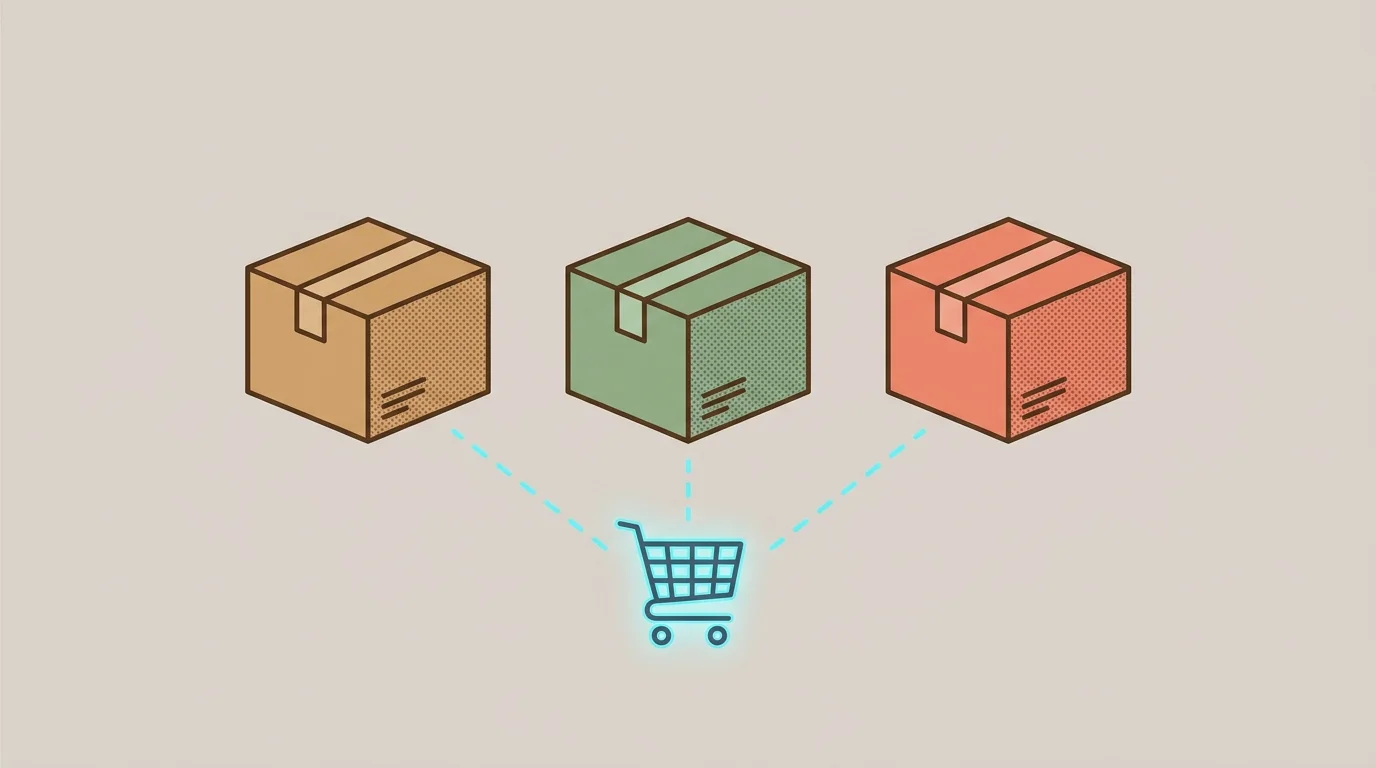
Capital One Shopping works as a browser extension and standalone mobile app that compares the true, final checkout cost across thousands of competitive merchants simultaneously. The platform is completely free for all shoppers, requiring no existing Capital One credit card or bank account.
While you browse products on retail sites like Amazon, Walmart, or Home Depot, Capital One Shopping runs background checks to find identical products sold elsewhere for lower totals.
It automatically calculates shipping fees and estimated taxes to determine whether another reliable merchant offers a lower out-of-pocket cost. A non-intrusive notification alerts you whenever a cheaper total price is discovered online, detailing the exact dollar savings available.
In addition to automated price comparisons, Capital One Shopping automatically inputs active discount codes at checkout and awards Capital One Shopping Rewards on eligible purchases. You can redeem accumulated rewards for gift cards at dozens of major national retailers, turning routine spending into future savings.
The universal wishlist feature also consolidates target items across multiple websites, notifying you whenever any vendor slashes prices.

Tip #6: BuyVia for Electronics, Laptops, and Consumer Tech Deals
Purchasing consumer electronics like laptops, televisions, smartphones, and computer monitors requires specialized comparison tools due to rapid tech depreciation and subtle model variations. BuyVia is a specialized comparison app built specifically for tech enthusiasts and value-focused consumers looking to avoid overpaying for consumer electronics.
BuyVia aggregates live pricing from major technology outlets, big-box stores, and certified online refurbishers. The app’s built-in barcode scanner lets you evaluate physical electronics in retail store aisles, immediately revealing whether certified tech outlets offer the same specifications at a lower rate.
BuyVia also analyzes technical specifications to help you distinguish between obsolete hardware and genuinely valuable deals, offering expert commentary on hardware capabilities.
Because manufacturers frequently create exclusive model numbers for major sale events to frustrate direct price matching, BuyVia cross-references technical specs across competing brands.
Setting custom price alerts inside BuyVia ensures that when high-ticket electronics reach your target price point, you receive instant alerts to lock in the savings before promotional stock runs out.

Tip #7: Google Shopping and Lens for Visual Sourcing and Web Aggregation
When you come across an attractive piece of clothing, furniture, or home decor online, finding the original manufacturer can be challenging without a specific model name or barcode.
Google Shopping combined with Google Lens gives you an advanced visual price comparison tool capable of matching photos against millions of e-commerce product catalogs.
Using Google Lens, you simply take a photo or upload a screenshot of an item to search the entire web visually. Trendy social media storefronts often buy generic goods from factory suppliers and list them at massive markups.
Snapping a picture with Google Lens bypasses these middleman markups by revealing direct factory distributors and alternative merchants selling the identical item for significantly less.
Google Shopping aggregates real-time merchant product feeds into a single interface, making it easy to filter results by price, seller rating, and delivery options.
You can track general search terms and receive price-drop notifications whenever indexed web storefronts adjust their pricing downwards, giving you full visibility over market trends across thousands of independent sellers.
Tip #8: Flipp for Digitized Weekly Circulars and Local Supermarket Matching
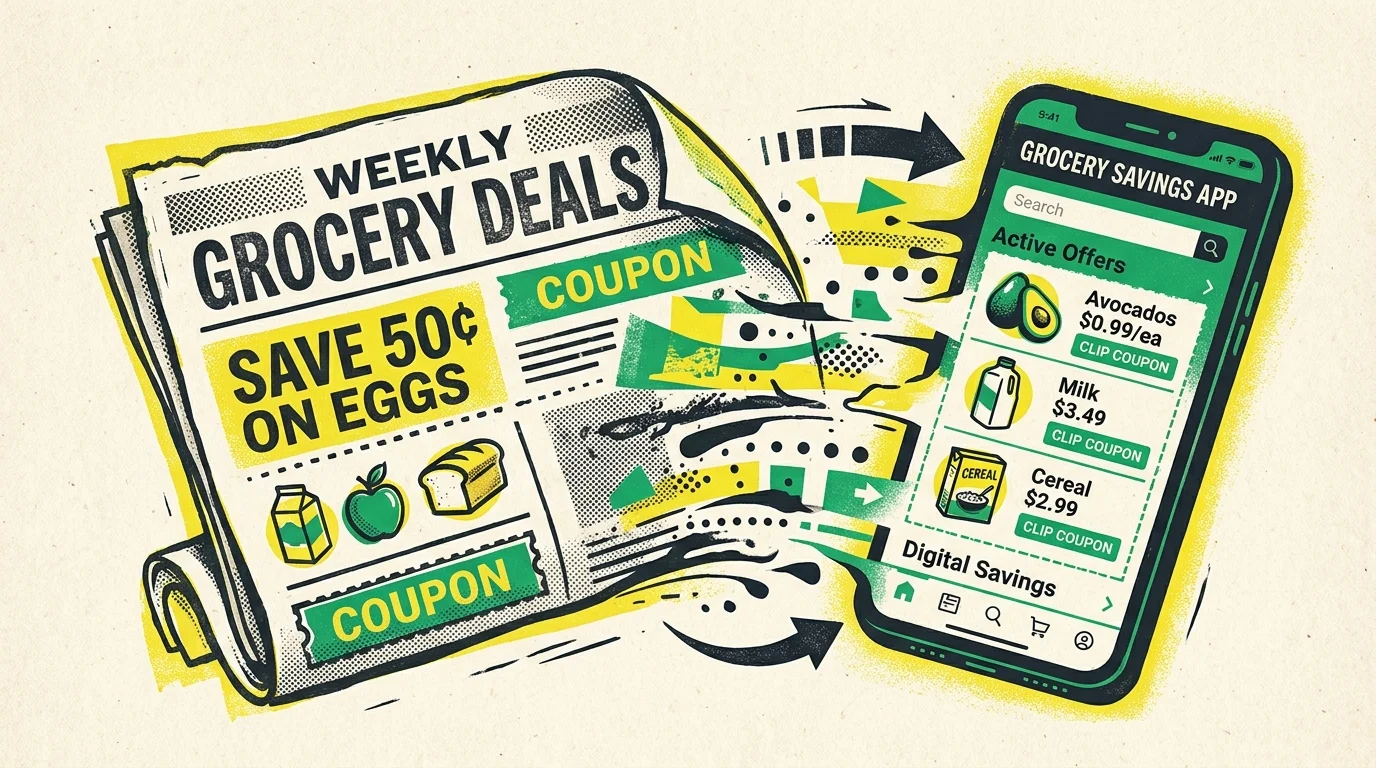
Traditional print circulars remain a primary source for local supermarket discounts, but managing paper flyers is inefficient. Flipp digitizes weekly circulars from thousands of local grocery chains, pharmacy outlets, and big-box stores into an organized, fully searchable digital format.
Instead of manually leafing through local newsprint flyers, you type specific grocery items into Flipp to view every advertised sale price across surrounding local store flyers.
Tapping on discounted items clips them directly to an in-app shopping list, allowing you to organize your weekly shopping trips around maximum local savings.
You can also clip digital store coupons through Flipp directly to regional merchant loyalty cards, eliminating the need to bring paper coupons to the register.
Flipp provides essential leverage for in-store price matching. Major grocery stores and national chains like Target often honor advertised sale prices from regional competitors.
Showing a cashier an active circular deal inside Flipp allows you to secure competitor prices without driving across town to multiple stores, saving both gas and money on your household budget.

The Bottom Line: What This Means for Your Wallet
Retailers rely heavily on consumer convenience and price opacity to protect their profit margins. When you buy items on impulse without comparing prices, you subsidize these retail markups with your hard-earned money.
Equipping your smartphone with specialized price comparison tools breaks this cycle and ensures you pay the absolute minimum on every purchase you make.
Combining real-time barcode scanning tools like ShopSavvy with automated online coupon engines like PayPal Honey and historical trackers like Camelcamelcamel creates a multi-layered savings strategy.
Adding cash-back platforms like Ibotta and local circular aggregators like Flipp ensures every category of household spending is optimized for maximum efficiency, putting hundreds or thousands of dollars back into your pocket annually.
For consumer protection information, visit the Federal Trade Commission (FTC) and the Consumer Financial Protection Bureau (CFPB). For product safety and reviews, consult Consumer Reports.
Disclaimer: This article is for informational purposes only and does not constitute financial advice. The content reflects the author’s opinion and research at the time of writing.
Always do your own research before making financial decisions.
Frequently Asked Questions
Do price comparison apps sell my personal shopping data?
Most price comparison apps generate revenue primarily through affiliate marketing commissions paid by retailers when you make a purchase, rather than selling your personally identifiable financial information. However, free shopping tools do collect aggregated, anonymized consumer shopping data to optimize product recommendations and target ads.
You can protect your personal information by reviewing privacy settings inside each app, opting out of data sharing, and limiting location permissions to active app usage sessions.
Can I combine multiple price comparison apps on a single purchase?
Stacking multiple price comparison tools is one of the most effective ways to maximize savings on a single transaction.
For online purchases, you can use Camelcamelcamel to confirm an item is at an all-time low price, trigger a promo code search with PayPal Honey, and pay with a cash-back credit card to layer multiple savings tiers.
For physical store shopping, combining store circular pricing from Flipp with digital cashback offers from Ibotta yields deep compounding savings.
How do in-store price match guarantees work with comparison apps?
Major physical retailers like Best Buy, Target, and Walmart maintain explicit price-matching policies against select online and local competitors.
To claim a price match, the item must be identical in brand, model, size, and color, and the lower price must come directly from an authorized competitor rather than a third-party marketplace seller.
Presenting a live product listing from ShopSavvy or Google Shopping to the cashier or customer service desk usually satisfies verification requirements for an immediate price reduction.
Are browser extensions safe for online shopping and checkout?
Browser extensions from reputable providers like PayPal Honey and Capital One Shopping utilize industry-standard security protocols and encryption to safeguard user data. These extensions operate by detecting active shopping cart URLs and testing publicly available coupon codes at checkout.
To ensure online security, download browser extensions exclusively from official Chrome or Web Store marketplaces, keep your web browser up to date, and avoid installing unverified third-party shopping extensions.